How to hand over a website to a client: contract, checklist and handover document
The contract, the pre-launch checklist, what to hand over and the handover document I use with real clients, plus why monthly care beats a full handover.
On this page
Knowing how to hand over a website to a client is what separates a freelancer from a professional. Here's the exact process I use with real clients: the contract, the pre-launch checklist, everything to hand over, and the handover document that keeps working for me long after the project ends.
Watch the video
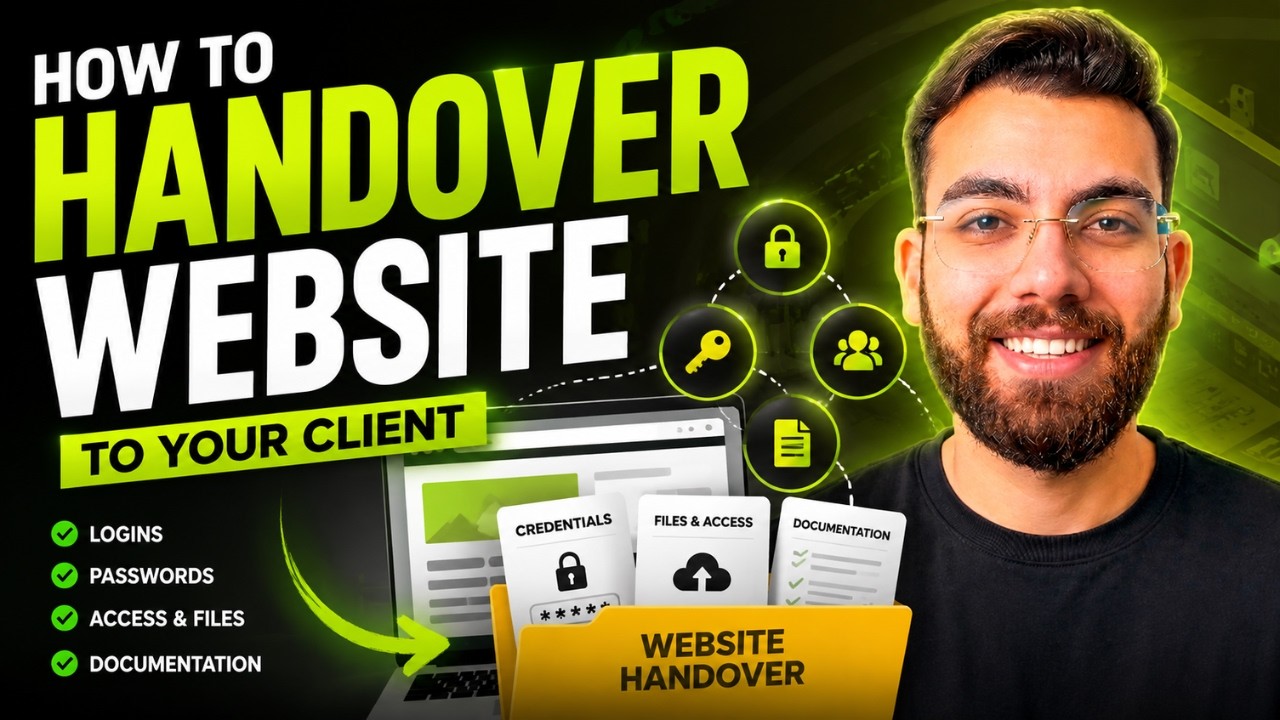
▶ Watch "How To Hand Over A Website To Client (Backend, Access & Changes Explained)" on YouTube
Step 0: Sign a contract first
Before any work starts, have a contract. It doesn't matter if the client is your brother, your cousin or your uncle.
A recent example: a client wanted to automate their order management. Every order arrived by email, and someone typed it into their records by hand. I built an n8n automation with Google Sheets that took over about 90% of that work. The contract laid out the solution, the pricing, the terms and conditions, a 50% upfront payment to start, and a place for the client to sign.
I send proposals through a custom tool I built, live on my own domain:
- Create a new proposal with a title, client name and project details (for example, a two-week website redesign covering the home, about and contact pages).
- Click generate with AI to draft the proposal, then edit it and add the pricing.
- Save it and send the client a link.
- The client reads it on their phone or desktop, signs it and clicks approve.
- I get a notification and can export the signed proposal as a PDF. Then I send payment details.
Whatever tool you use, get a signature on the scope and timeline. It protects both of you.
Deliver what you agreed, then a little more
If the contract says A, B and C, you must deliver A, B and C. Delivering only A and B is unprofessional.
Delivering A, B, C and D is how you build trust. Digital work often has margins above 80%, so a small extra rarely costs much, and clients remember it. They come back for social media, new features and their next project.
Step 1: Run a pre-launch checklist
At an agency I worked with, every website went through a shared checklist before the client ever saw it. The whole team, including the CEO, could see what was done. It covered:
- Meta titles and meta descriptions on every page
- All links working, and every button linked correctly
- Only one H1 per page, with proper H2s
- Email pop-ups working
- FAQ and about pages in place
- Testing on every device: phone, tablet, desktop, large and small screens
- All images optimized
- A minimum speed score
- A backup of the site
Give your AI a checklist like this and have it check every page. For the SEO side, here's the checklist I use for SEO on AI-built websites.
Step 2: Hand over everything
Your client is non-technical, so present everything clearly. Include:
- Website access: the URL, admin panel, CMS or dashboard
- Backups: give the client a backup, and keep your own for at least six months
- Domain and hosting: provider, login email, DNS settings, SSL and expiry dates
- API keys and payment gateways: accounts, expected costs, and a reminder to change passwords
- Email accounts: with a reminder to change passwords
- Automations and workflows: documented step by step
- Analytics and marketing: Google Analytics, Search Console, social integrations and ad accounts
- Files and assets: logos, brand assets, images, product data and anything else you created
Two rules. First, use the client's email and accounts wherever possible. It's their platform, not yours. Second, tell them what future changes will cost, for example with a day rate. I also write into my contracts that 100% ownership goes to the client.
Step 3: Put it in a handover document
My handover document is branded with my own fonts and colors, and I made it with Claude. For a recent ecommerce client, it included:
- Logins for their Amazon and Shopify stores, Facebook and Instagram, domain and main Google account, with the access type and expiry dates
- Links to every asset folder: product photography, mockups, logos and label designs
- A guide to logging in to their Meta Ads account
- A handover checklist and my contact details
I never put passwords in the document. I send them separately, or write them on paper. I also flag sensitive folders, like ID documents, so the client removes them before sharing files with another developer.
The bonus: the document carries my brand. When someone asks the client who built their website, they pull it up, and my name is right there. My handover template is free in the video description.
Step 4: Offer monthly care instead of a full handover
Most non-technical clients don't really want to be handed a website. They don't want to think about hosting, domains or updates. So offer to maintain it for a monthly fee:
- $50 to $100 a month for a simple 5 to 10 page site
- $100 to $200 a month, or more, for larger sites and ecommerce
I host several client sites myself and charge monthly for hosting and security. A WordPress site might need 30 minutes to an hour of work a month. Set up free uptime monitoring with a tool like UptimeRobot, which emails you the moment a site goes down.
When you manage a lot of these, here's how I run 104 client websites with Claude and Hostinger MCP.
Quick recap
- Sign a contract before you start.
- Deliver what you agreed, and over-deliver where you can.
- Run a pre-launch checklist.
- Hand over all access, backups and assets, using the client's accounts.
- Put it in a clear, branded handover document, without passwords.
- Offer monthly care.
That's how to hand over a website to a client so they trust you, come back and refer you.
If you want to build a career around AI web development, my community takes you from beginner to pro: AI Engineer Academy. Here's what's inside.
Follow along
- YouTube: @AgenticAli
- LinkedIn: Ali Amin
- X: @AgenticAli
- Instagram: @agenticali
- Skool: AI Engineer Academy
Keep building.
Ali Amin